
Connected packaging guide
How Do We Add QR Codes to Cosmetic Packaging?
A QR code that sends buyers to a generic page, sits on a fold, or fails after printing wastes scarce cosmetic packaging space.
We add a QR code only after we define one useful customer or operational purpose. We reserve a clear printed area, decide whether the code identifies a product or a batch, verify the artwork and printed sample, and test the destination before the packaging is released.
These three questions help us connect a deliberate scan experience to physical artwork, production checks, and a clear owner for the destination.
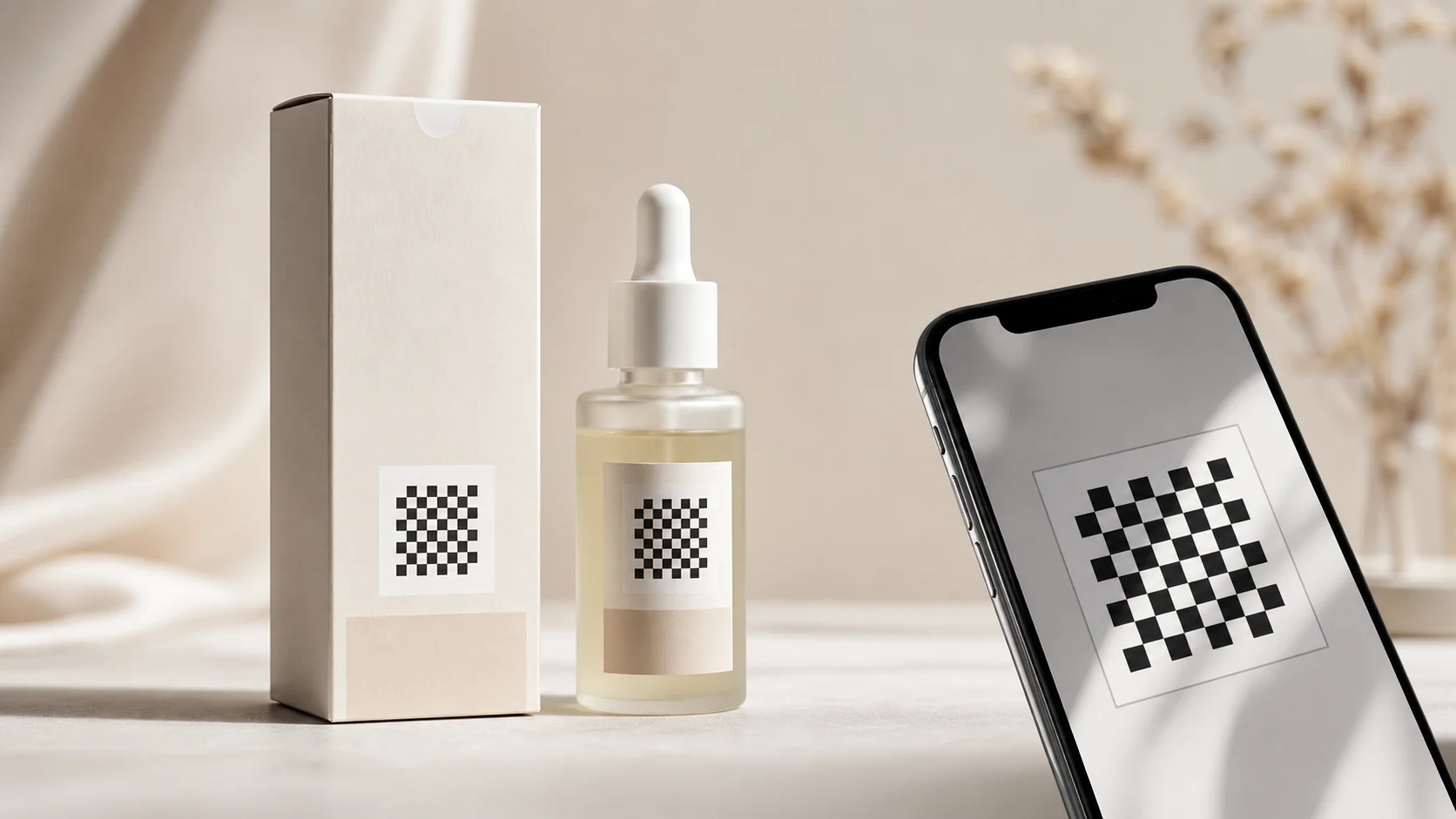
What Should a Cosmetic Packaging QR Code Do?
A code becomes clutter when its owner, destination, and customer value are not decided before the artwork reaches a crowded carton panel.
We give each code one defined job: product guidance, replenishment, market information, recycling guidance, or a controlled identifier. GS1 explains that a Digital Link URI can connect a 2D code to changing online content without a packaging reprint.
We start with the scan outcome, not the square pattern
We ask a simple question: what should a customer, retailer, or operator receive after the scan? A cosmetic brand may want to direct a customer to use instructions, a replenishment path, an ingredient-information page approved by the responsible owner, recycling guidance, or support. An operations team may need an identifier for a particular product or batch. These are different use cases, and they should not be hidden behind one vague instruction to add a QR code. GS1 states that a GS1 Digital Link URI can provide a web-enabled identity and allow linked digital content to change without changing the code printed on pack. GS1 also explains that a code may be generated with general artwork when it identifies a product, or dynamically when it is specific to a serial number or batch or lot. We use those facts to shape the brief, not to imply that every cosmetic carton needs a GS1 implementation. The buyer decides whether a standard product-level destination is enough or whether a regulated or traceability use case needs a separate governed process. We name the destination owner, the product or market scope, the expected content, the fallback if the page changes, and the approval owner for claims. A Reddit community discussion about packaging QR codes argues that a code needs a specific benefit near the scan prompt rather than a generic marketing destination. We treat that as attributed community insight. It is useful for the customer-experience decision, but it does not prove scan rates, compliance, or the right strategy for every skincare brand.
Sources for this section: GS1 Digital Link4, GS1 system architecture6
| Use case | What we define | Responsible owner |
|---|---|---|
| Product guidance | Exact page and customer task | Brand and content owner |
| Reorder or support | Product-specific destination and measurement | Commercial or service owner |
| Product identity | Product-level or batch-level data scope | Operations and data owner |
| Recycling information | Market scope and approved guidance | Sustainability and regulatory owner |
Where Should We Place the QR Code in Cosmetic Artwork?
A code placed near a fold, curve, glare, heavy finish, or competing symbol can look present in the artwork and still be difficult to use on the finished pack.
We reserve a flat, high-contrast area with enough clear space and keep it away from scores, seams, glue, edges, and critical label information. We review the code in the real carton layout alongside required marks, barcode space, finishes, and the intended consumer instruction.
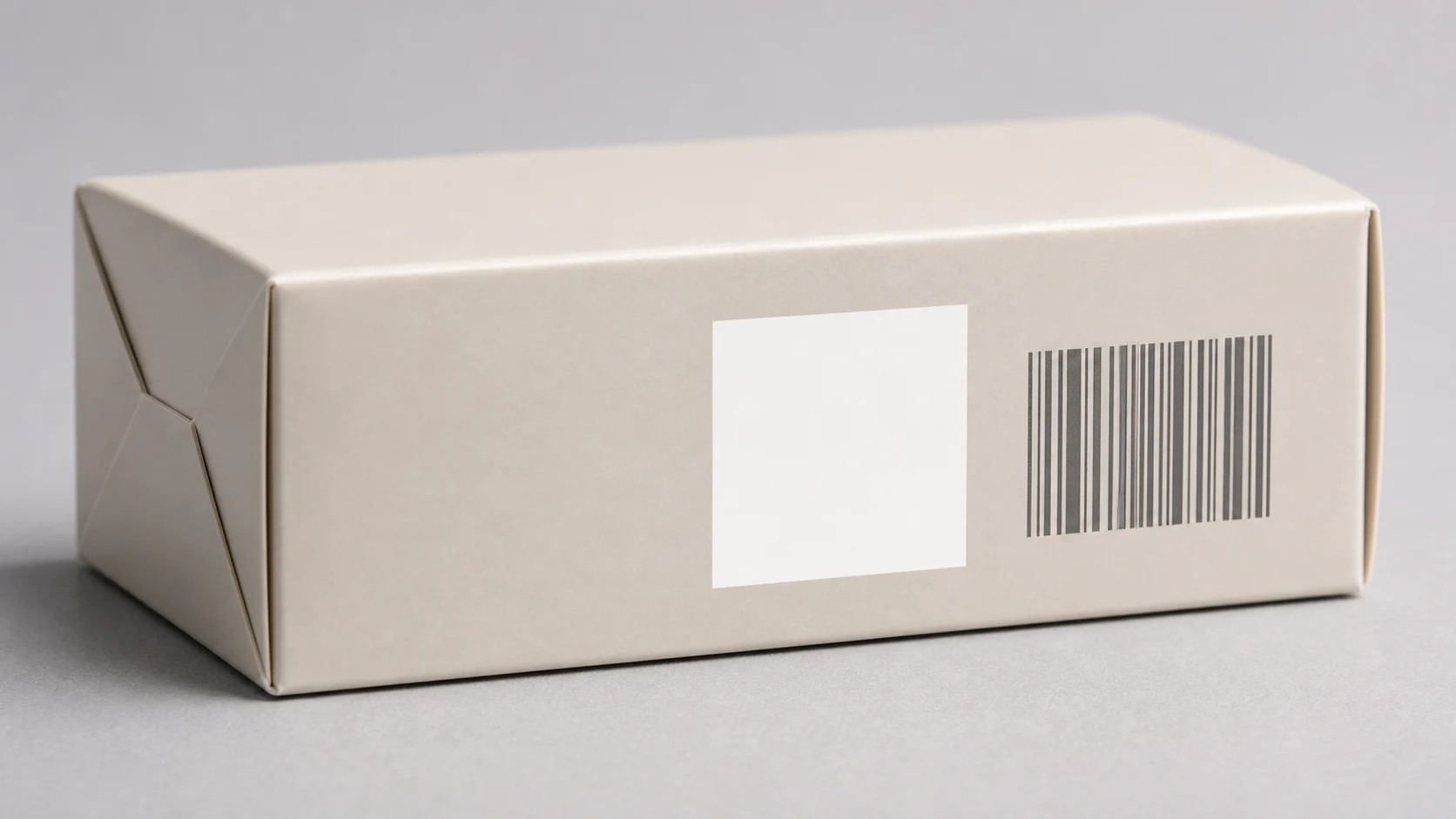
We make physical print conditions part of the layout
We treat a QR code as a functional printed element, not a decorative icon. We begin with the actual panel: front, side, back, leaflet, label, or secondary carton. We check whether the panel stays flat enough for the intended scan, whether a seam or score will cross it, and whether a foil, varnish, texture, or dark artwork field changes the contrast or reflection. We also keep mandatory product information and operational marks in view. Cosmetic packaging often has limited information space, so a code cannot simply occupy the last unused corner. GS1’s 2D barcode creation and printing playbook discusses packaging-space constraints and distinguishes QR Code with Digital Link from data carriers aimed at denser operational information. We use this as a reason to agree the use case before choosing the location. We do not place a customer-facing code over a critical regulatory statement or replace a normal retail barcode without the right retail and data decision. We provide the converter with the final code asset and the required clear area, rather than asking a press team to create a code from an unapproved URL. We request a proof that shows the code at finished size on the selected board and finish. We then inspect how a real user can find it. A concise nearby instruction can explain the expected benefit, but the exact copy needs its own brand and regulatory approval. The outcome should feel intentional: the carton remains easy to read, the barcode retains its own job, and the code is physically placed where the finished component can support it.
Sources for this section: GS1 2D barcode playbook5
| Placement factor | What we check | Why it matters |
|---|---|---|
| Panel geometry | Flat area, folds, seams, and edges | The symbol stays intact after conversion |
| Contrast and finish | Ink, coating, foil, texture, and glare | The printed element remains usable |
| Information hierarchy | Required copy, barcode, and customer prompt | The code does not displace essential information |
| Artwork handoff | Final asset, clear area, and version | Production receives a controlled instruction |
How Do We Verify the Printed Code and Its Destination?
A code can print sharply but lead to the wrong page, and a correct page can still fail the buyer if the released carton carries a different product identity.
We verify the final symbol and the final destination as one release check. We scan representative printed samples, confirm the destination is controlled and appropriate for the identified product, record the artwork and code version, and route any product claims or market information to their responsible owners.
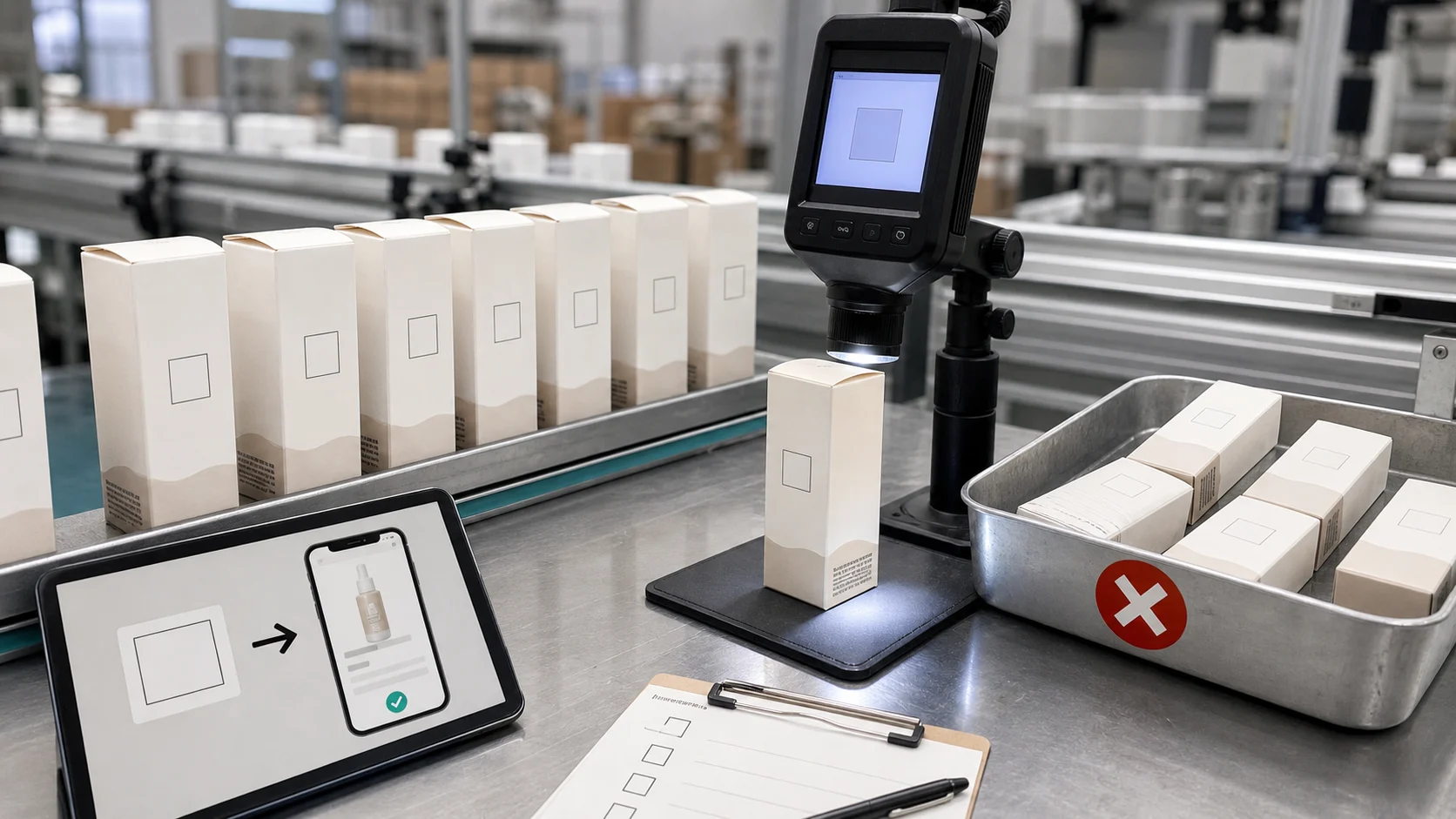
We release the physical mark and digital experience together
We plan two linked checks. The print check asks whether the produced symbol appears in the intended location, with the approved contrast and clear area, on the final material and finish. The destination check asks whether the scan resolves to the intended controlled page and whether that page matches the product, market, and approved content scope. GS1’s system architecture reference explains that 2D symbols may be printed dynamically for a particular serial number or batch or included in general product artwork when they identify a product by GTIN. That distinction matters because the production and data controls differ. We write down which model is in use. We do not make a batch-specific claim when the carton carries a general product code, and we do not assume a printed code supplies traceability without a process behind the identifier. A current Reddit Packaging thread makes the same community point plainly: a QR code is not a traceability system by itself. We cite that thread as attributed practitioner commentary, not as an authority. The release record keeps the actual authority clear. It retains the code payload or controlled reference, artwork revision, destination owner, product scope, printed sample observation, and decision owner. We also set a change trigger. A changed domain, product identifier, market page, carton artwork, printer, finish, or code use case may need a new review. This light control prevents a costly situation where a valid-looking carton sends a customer to an outdated or irrelevant destination. It also preserves the original benefit of connected packaging: a simple physical entry point that is useful because the product, code, and digital content stay aligned.
Sources for this section: GS1 2D barcode playbook5
| Verification step | What we confirm | Record we retain |
|---|---|---|
| Printed sample | Placement, contrast, and intact symbol | Sample date and artwork revision |
| Scan result | Correct controlled destination | Destination reference and owner |
| Product match | Product, market, and content scope align | Approved use-case definition |
| Change control | Future artwork or URL changes reopen review | Named trigger and decision owner |
Sources and Related Reading
- 1 Premium paperboard cartons. Internal carton options for controlled artwork panels and printed packaging elements.
- 2 Finer Pack capabilities. Internal sampling and packaging-development context.
- 3 Start a connected-packaging brief. Internal route for sharing the product, destination, artwork, and market scope.
- 4 GS1 Digital Link. Official GS1 overview of web-enabled product identity and linked digital content.
- 5 GS1 2D barcode playbook. Official GS1 guidance on 2D barcode use cases, packaging space, and printing.
- 6 GS1 system architecture. Official GS1 reference on product-level and batch-level 2D code use.
- 7 Reddit packaging QR-code discussion. Attributed practitioner discussion that a code needs governed production and data controls; not a factual authority.
Conclusion
We add a QR code only when it has one useful job, a protected physical location, and a verified destination that stays aligned with the released cosmetic pack.